


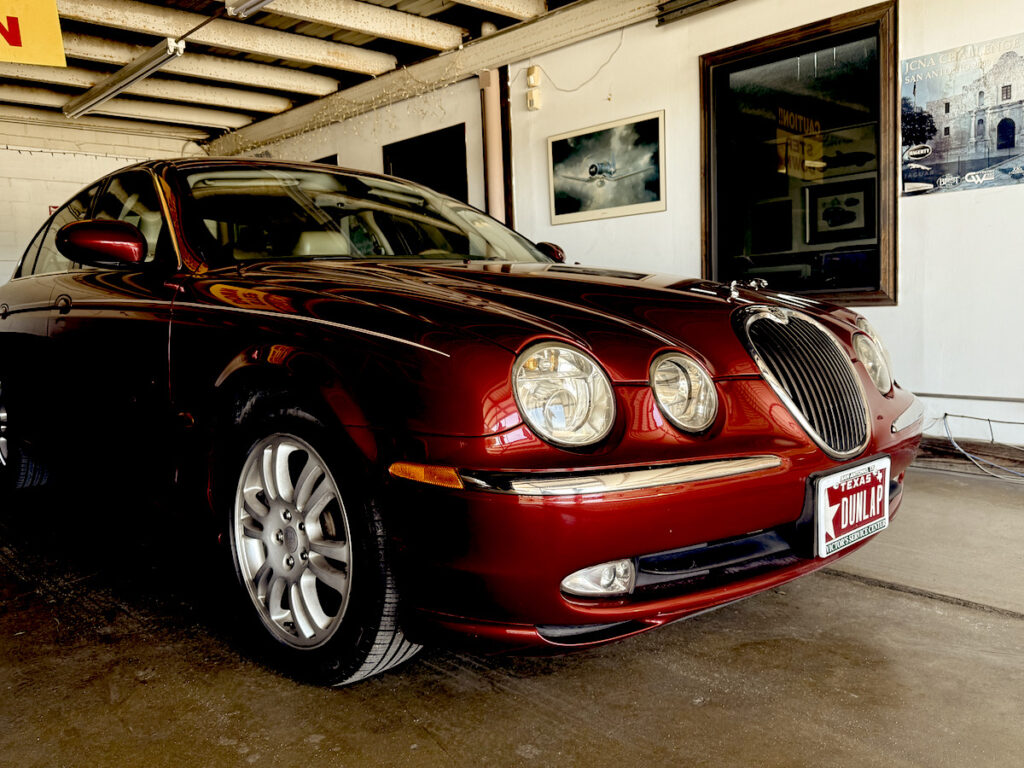
At Victor Service Center, we know how frustrating it can be when your Jaguar’s infotainment system suddenly freezes or becomes unresponsive. Whether you’re navigating downtown San Antonio in your F-Pace or enjoying the Hill Country roads in an XE, an uncooperative screen isn’t just an inconvenience-it’s a disruption to your luxury driving experience.
Many local Jaguar drivers face this issue, especially during our scorching Texas summers. From system lags to complete blackouts, infotainment glitches are a growing concern across various models. In this guide, we’ll explore why these issues occur, what steps you can take to fix them, and when it’s best to bring your vehicle to a trusted Jaguar repair shop in San Antonio like Victor Service Center.
Why Infotainment Freezes Are Common in Jaguar Models
Jaguar’s modern infotainment systems, such as InControl Touch Pro and Pivi Pro, bring together navigation, media, climate control, and vehicle settings into one seamless interface. However, with all this integration comes complexity-and unfortunately, software bugs, memory overload, and compatibility conflicts are not uncommon.
System glitches often stem from:
- Outdated or buggy software
- Heat-related component stress
- Faulty module communication
- Overuse of apps and streaming
- Improper or failed updates
Luxury vehicles like Jaguars have complex electrical systems that require precision. When even one element miscommunicates, the result can be a frozen screen or unresponsive controls-something we regularly see at our Jaguar repair shop in San Antonio.
Commonly Affected Models in San Antonio: XE, XF, F-Pace, I-Pace
From sedans to electric crossovers, infotainment freezing isn’t isolated to one Jaguar model:
- Jaguar XE: Owners often report touchscreen lag or Bluetooth pairing issues, especially in the heat.
- Jaguar XF: Freezes during media playback or navigation are common, particularly after software updates.
- Jaguar F-Pace: This SUV is a frequent visitor at our Jaguar repair shop for issues with Apple CarPlay or screen flickering.
- Jaguar I-Pace: As an all-electric model, the I-Pace relies heavily on its digital systems-meaning a glitch can affect more than just music or maps.
Our technicians at Victor are well-versed in resolving these model-specific quirks with Jaguar’s proprietary diagnostic tools.
How Texas Heat and Dust Impact Jaguar Electronics
Infotainment problems are amplified in San Antonio’s unique climate. High heat, dust, and fluctuating humidity levels wreak havoc on sensitive electronics.
- Heat can cause screens and processors to overheat or shut down temporarily.
- Dust often infiltrates interior vents, affecting cooling fans and internal wiring.
- Humidity may corrode connectors or create electrical resistance.
If your infotainment system frequently freezes after your Jaguar has been parked in the sun, you’re not alone. It’s one of the most common issues we see during summer months at Victor Service Center.
Signs It’s More Than Just a Temporary Glitch
Not every freeze is cause for panic. But persistent or worsening issues usually indicate something deeper. Warning signs include:
- System rebooting on its own
- Complete black screen after ignition
- Frozen screen that doesn’t respond to touch
- Navigation miscalculating or crashing mid-route
- Audio skipping or failing to sync with Bluetooth
If these symptoms sound familiar, it’s time to consider expert Jaguar repair in San Antonio before a minor annoyance turns into a major system failure.
Soft Reset Using Steering Wheel & Touchscreen Buttons
A soft reset is your first line of defense. It’s non-invasive and preserves all settings:
- Hold the power button on the touchscreen for 10-15 seconds.
- Alternatively, on certain models, hold the volume up + down buttons on the steering wheel simultaneously until the Jaguar logo appears.
- Wait for the system to reboot.
Soft resets work well for temporary software glitches or after a minor update, but if problems persist, contact us for a full diagnostic and repair.
Advanced Troubleshooting for Persistent Issues
When resets and updates fail to resolve the issue, deeper diagnostics are needed-this is where professional Jaguar repair in San Antonio becomes essential.
Using OBD-II Diagnostics to Identify Fault Codes
Infotainment-related problems often store fault codes that can only be read using advanced diagnostic tools. At Victor, we use Jaguar’s proprietary diagnostic software to:
- Scan for stored errors
- Trace module communication faults
- Interpret system behavior over time
Generic scanners used at regular repair shops may miss these nuanced codes, leading to misdiagnosis. This is why choosing a Jaguar-certified repair shop is key.
Checking for Wiring or Battery Voltage Problems
Low battery voltage is a silent culprit behind many infotainment freezes. Modern Jaguars require stable power to maintain communication between modules. We often check for:
- Battery condition and voltage drops
- Grounding and fuse integrity
- Damaged or corroded wiring
A simple battery replacement or wiring fix could save hundreds in unnecessary repairs.
Ruling Out Hardware Failures
If all else fails, the problem may lie in the hardware itself. This includes:
- Failing display screens
- Damaged control modules
- Faulty internal memory
At Victor Service Center, we use only OEM Jaguar components when replacing hardware, ensuring a seamless fit and full system compatibility.
When to Call in the Experts at Victor Service Center
If infotainment issues persist, don’t wait for them to get worse. A professional diagnosis at Victor can help you avoid bigger electrical problems down the road.
Why Local Experience Matters for San Antonio Jaguar Owners
Our team understands how Texas heat, local road conditions, and environmental factors affect luxury vehicles. Unlike generic repair shops, we specialize in Jaguar repair in San Antonio, meaning we:
- Have access to factory-level tools
- Understand regional driving conditions
- Offer targeted solutions for local issues
How Our Jaguar-Certified Techs Diagnose Infotainment Problems
Our technicians undergo continual training and certification specific to Jaguar models. Here’s what you can expect from an infotainment diagnostic visit:
- Comprehensive software scan using OEM tools
- Physical inspection of screen, wiring, and modules
- Performance testing under simulated conditions
- Fast, transparent repair estimates
Our goal is not just to fix the problem-but to ensure it doesn’t return.
OEM Software & Parts for Lasting Repairs
We only use Jaguar OEM software and parts, preserving your vehicle’s performance and warranty. Whether we’re replacing a screen, reprogramming a module, or performing a factory reset, your Jaguar receives the same level of care it would at a dealership-without the inflated prices.
Preventing Future Infotainment Freezes
A little maintenance can go a long way in preventing infotainment system failures.
Regular System Updates at Service Appointments
During every visit to Victor Service Center, we check for:
- Jaguar software and firmware updates
- Navigation map corrections
- Recall notices involving infotainment
This ensures your system is always running the latest, most stable version.
Avoiding Overloading the System with Apps & Media
Jaguar systems aren’t designed to handle excessive data from oversized USB drives, constant streaming, or dozens of app connections. Keep media lean and connections minimal to prevent overloads.
Seasonal Maintenance to Protect Against Heat Damage
To safeguard your electronics during San Antonio’s brutal summers:
- Use windshield shades to reduce cabin temps
- Park in shaded areas or garages
- Schedule seasonal system inspections
These habits help prolong the lifespan of your infotainment hardware.
Conclusion – Keep Your Jaguar Running Smart & Smooth
Your Jaguar was engineered for sophistication-don’t let a frozen screen or sluggish system take away from that experience. At Victor Service Center, we specialize in Jaguar repair in San Antonio, offering precision diagnostics, certified repairs, and lasting peace of mind.
Whether you need a quick reset, a software update, or an in-depth system overhaul, our team is here to keep your Jaguar running smart, smooth, and luxurious-just as it was meant to.
Frequently Asked Questions (FAQs)
1. Why does my Jaguar’s infotainment system keep freezing?
This is often due to software bugs, heat, or system overload. San Antonio’s climate can worsen these issues over time.
2. Can I fix a frozen Jaguar infotainment system myself?
Yes, try a soft reset or update the software. If the issue continues, visit a certified Jaguar repair shop.
3. Will resetting the infotainment system erase my settings or saved data?
Soft resets won’t erase data, but hard or factory resets might. Check with a technician before proceeding.
4. How often should I update my Jaguar’s infotainment software?
We recommend checking for updates every 6–12 months or during regular service appointments.